From plan to connection
Choose. Pay. Get the QR by email. Go.
Choose a destination and data pack with price and validity shown upfront. Once payment is confirmed, the QR arrives by email and you set up the eSIM on your phone.
01
Choose a destination and plan
Destination, data amount, validity, and final price are visible before checkout.
02
Pay securely online
A standard purchase needs only email and payment. Stripe processes the card; billing details are optional.
03
Get the QR by email
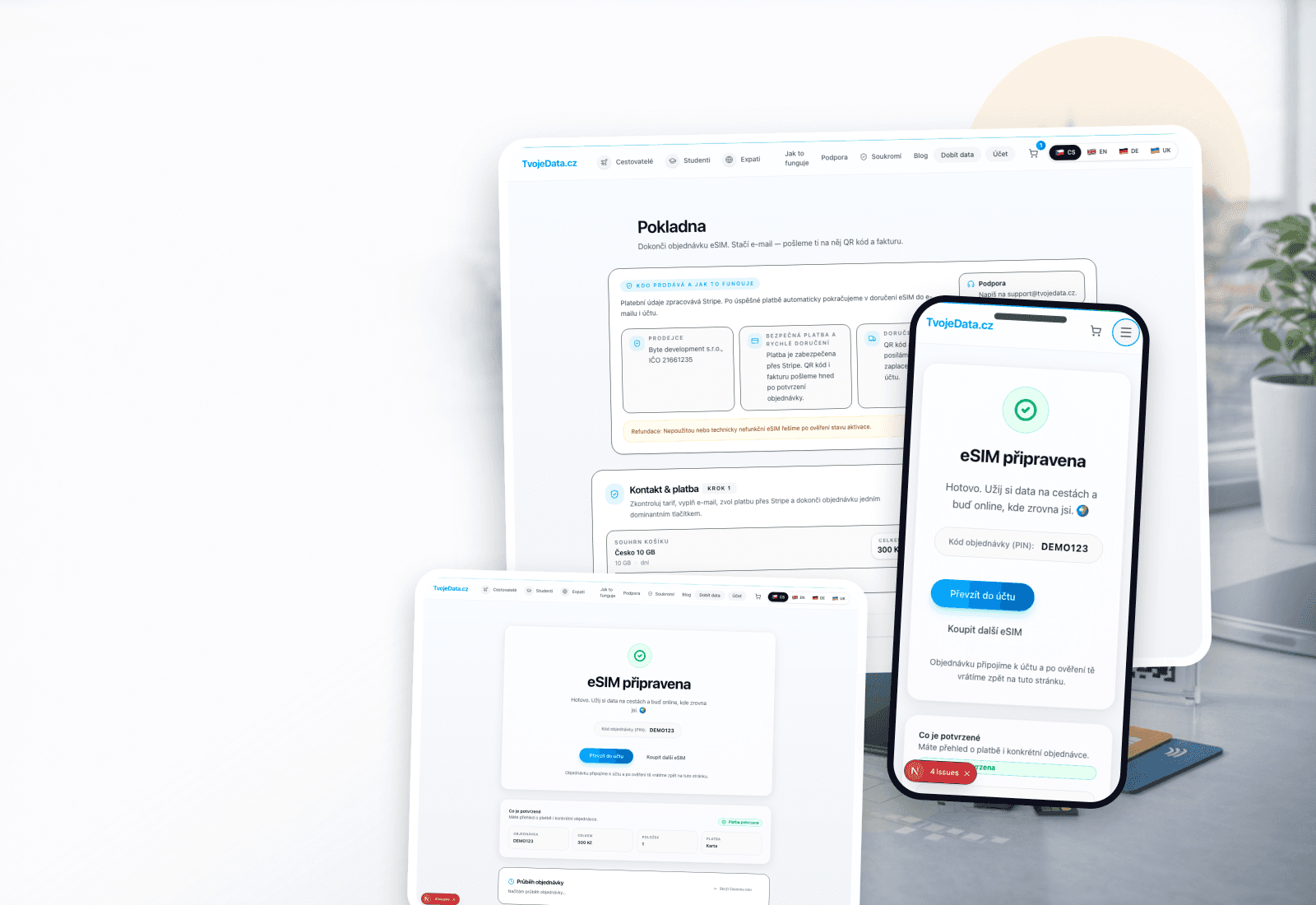
After payment is confirmed, the QR appears on the order page and is sent to your email.
04
Turn on data and go
Scan the QR, then enable mobile data and roaming for the eSIM. Validity follows your selected plan.
Výběr, platba, QR
Four clear steps. You always know what comes next.
Review price and validity before payment. Afterwards, the QR and installation details stay together on the order page, with a copy in your email.
- 01
Choose a destination and plan
Destination, data amount, validity, and final price are visible before checkout.
- 02
Pay securely online
A standard purchase needs only email and payment. Stripe processes the card; billing details are optional.
- 03
Get the QR by email
After payment is confirmed, the QR appears on the order page and is sent to your email.
- 04
Turn on data and go
Scan the QR, then enable mobile data and roaming for the eSIM. Validity follows your selected plan.
Got your phone nearby? Start with a plan.
Choose a destination and data pack. You will see price, validity, and conditions before paying.
eSIM as a second SIM
You don't lose your home number
eSIM acts as a second line. Your primary SIM remains active; new-line features depend on the selected plan.
Check compatibility- Primary SIM with your home number stays primary
- Switch mobile data to eSIM manually or automatically
- Calls and SMS keep coming to the home number
- Delete the eSIM after the trip or keep it for next time
Device Compatibility
- iPhone XR and newer (including SE 2020 and newer), iPad with eSIM
- Most newer Android phones with eSIM support (Samsung, Google Pixel, etc.)
- Device must be unlocked (not carrier-locked)
Practical Tips
- You can install eSIM before your trip and activate it after turning on data in your destination country.
- Make sure mobile data and data roaming are enabled for the new eSIM. Roaming must stay on even in Czechia because the profile runs through an Austrian network.
- Save the QR code and activation codes – you can view them again through the order page.
Most asked
What to know before buying
When will I receive the eSIM and how do I install it?
Once payment is confirmed, we display the eSIM QR code, SM-DP+ details, and activation code and send the information by email. On your phone, go to Settings → Mobile Data → Add eSIM.
Is my phone compatible?
Both the phone model and its exact regional variant must support eSIM, and the device must be carrier-unlocked. The fastest way to confirm this is our compatibility checker.
What if I can't activate the eSIM?
First, follow the instructions on the order page and in the 'How It Works' section. If the problem persists, contact support with your order code. After checking the order, delivery and eSIM usage state, we will propose a refund, re-issue or another remedy.
TvojeData.cz
Travel data starts with the right plan.
Choose a country, compare packs, and continue with price and validity clearly shown.